Home Network Security
Smart Doorbell Camera Privacy Sharing Audit Plan for 2026
A home-security privacy audit for smart doorbell cameras: sharing settings, household consent, police-request awareness, retention, network hygiene, and resale reset steps.
- Use source-backed steps before changing security settings.
- Prioritize MFA, updates, backups, segmentation, and phishing-resistant habits.
- Save only the guides you need; no account is required.
This guide is current as of 2026-06-29. It is designed to preserve helpful-content and AdSense readiness: it is practical, privacy-aware, source-backed, and avoids alarmist security claims or affiliate pressure.
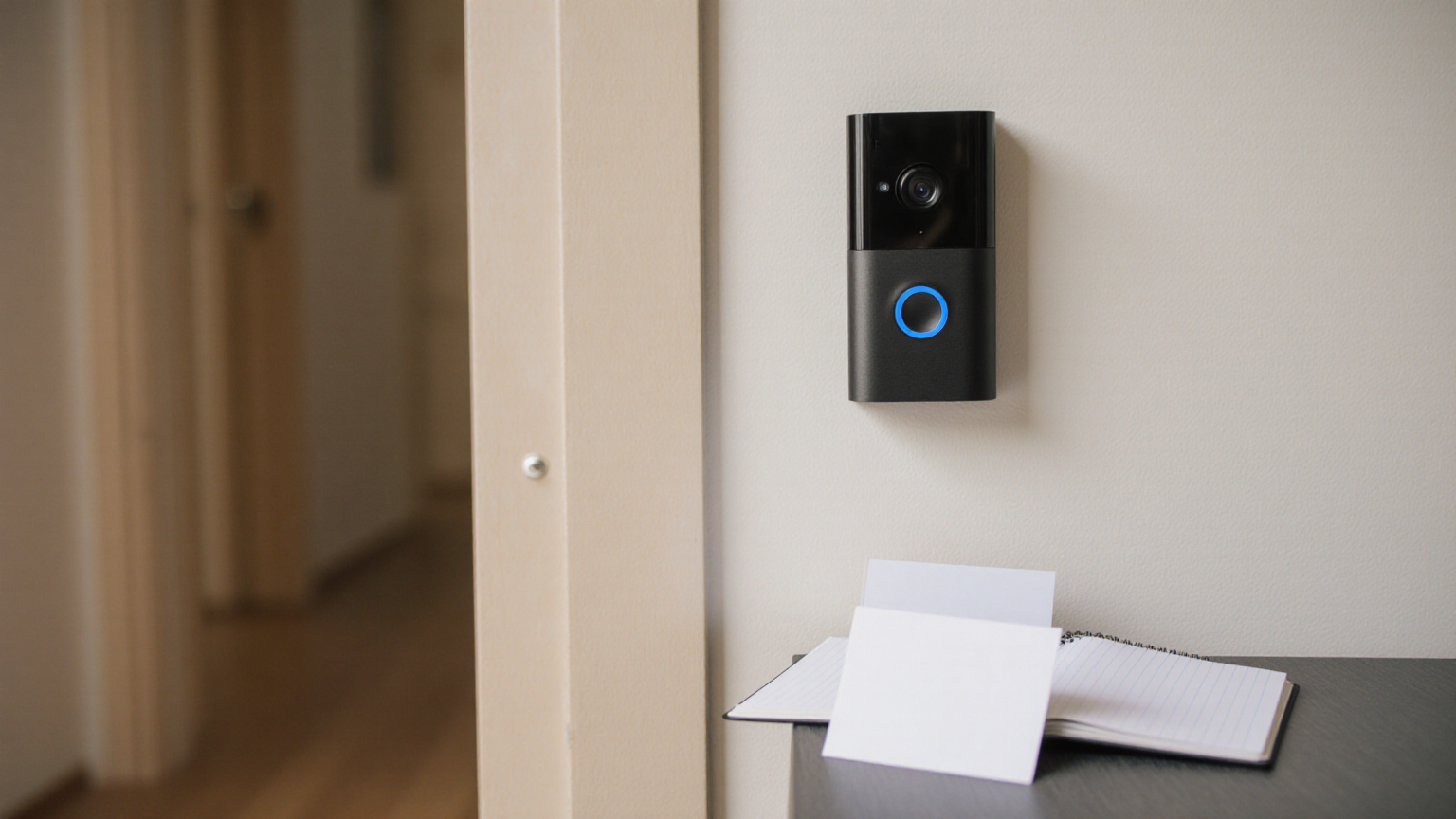
A doorbell camera is a household data device
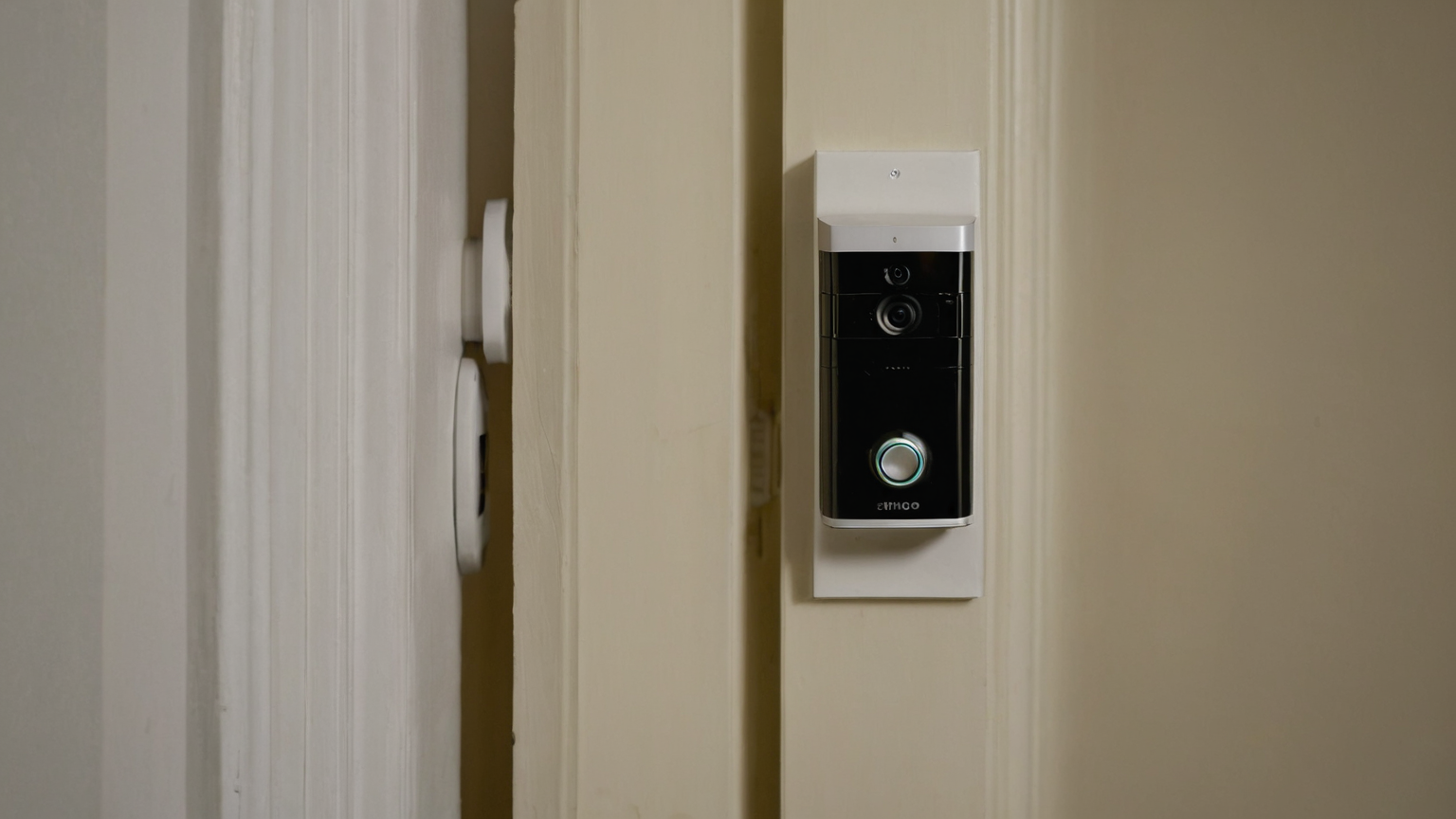
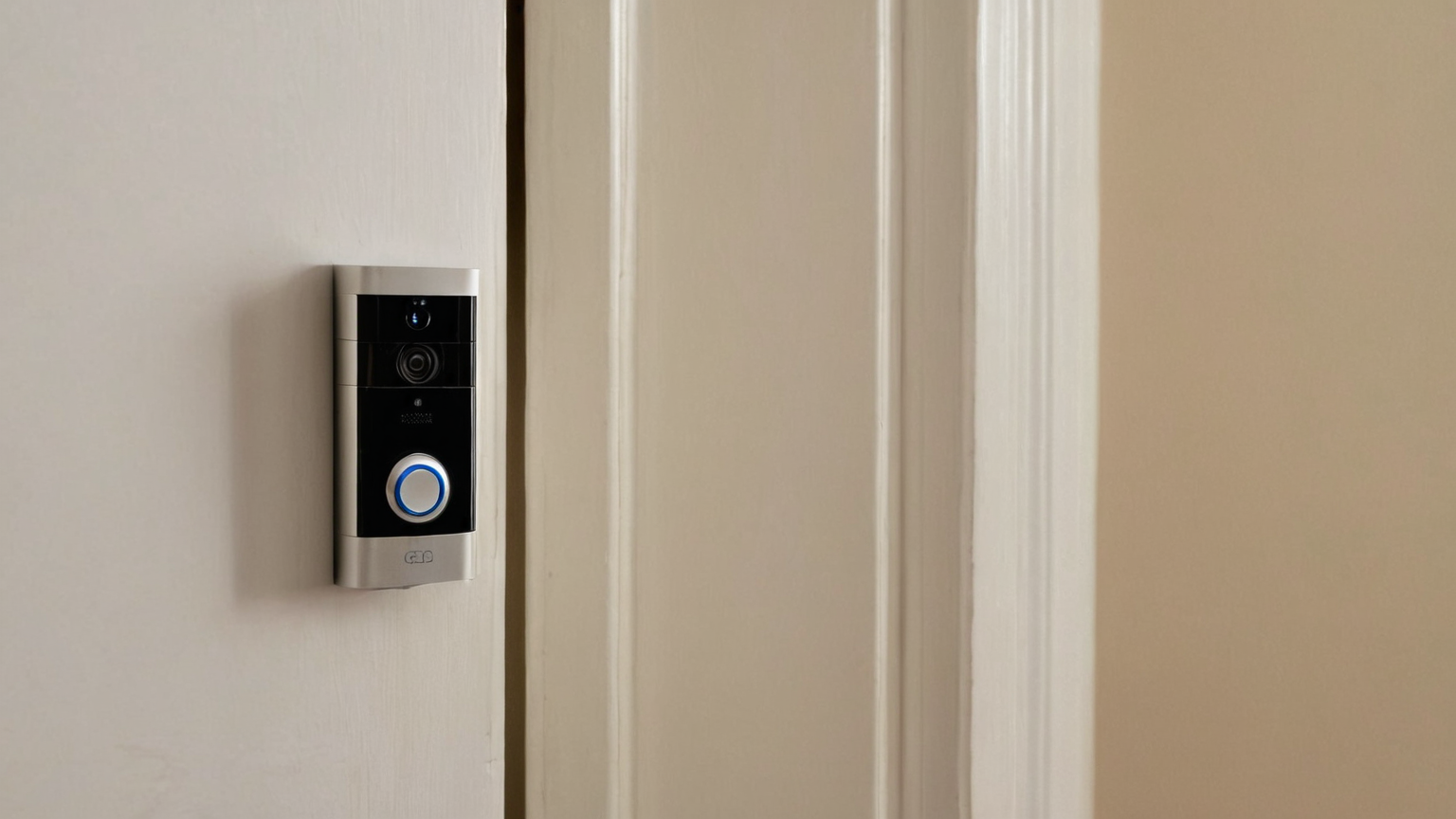
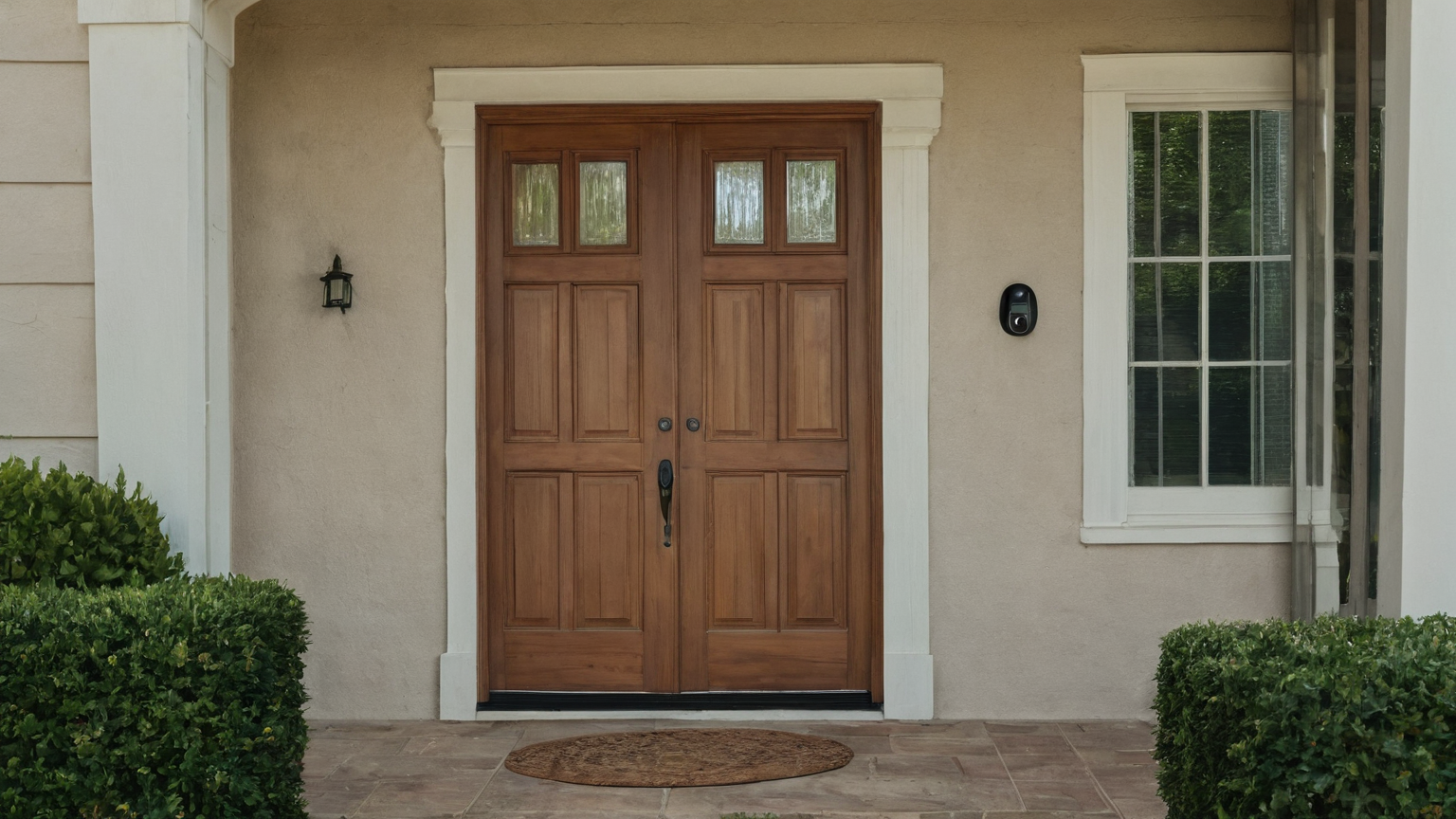
A smart doorbell is not just a chime with video. It can capture neighbors, delivery workers, children, license plates, household routines, audio, visitors, and the times people are away. The privacy risk is not that every camera is bad. The risk is that sharing, retention, account access, and household consent often stay on default settings after installation.
Treat the device like a small public-facing sensor. The audit below helps you decide what to record, who can view it, how long clips stay available, and what to do before sharing footage outside the household.
Doorbell privacy audit table
| Audit area | What to check | Safer default |
|---|---|---|
| Account access | Owner, shared users, old phones, contractor access | Remove unused users and require MFA |
| Clip sharing | Neighborhood apps, public links, police-request portals | Share only specific clips after review |
| Retention | Cloud plan, auto-delete, local storage | Shortest useful retention period |
| Field of view | Neighbor windows, sidewalks, private yards | Mask or crop where supported |
| Network hygiene | Router password, guest network, firmware | Isolate IoT where practical |
Start with people before settings
The first privacy control is household agreement. Who is allowed to view clips? Can teenagers share funny visitor videos? Are delivery disputes handled by one adult? Is audio recording needed? Does the camera face a neighbor’s door or a shared hallway? Write the answers down in plain language. Settings are easier to maintain when the social rule is clear.
If you rent or live in a condo, check building rules before installing or repositioning a camera. If the camera faces shared space, be more conservative than the app’s defaults.
Review sharing and request settings
Open the vendor app and look for shared users, linked accounts, public safety or neighborhood features, and any law-enforcement request workflow. Names vary by vendor. The practical rule is simple: do not enable automatic broad sharing just because a feature exists. A clip that seems harmless can reveal a neighbor’s routine, a child’s face, a medical delivery, or a security weakness.
Before sending a clip, ask: does it show only the incident, or does it expose unrelated people? Can the clip be trimmed? Is there a safer screenshot-free written report? Are you sharing through an official process or a public social feed?
Account security matters more than the camera brand
Use a unique password and MFA for the camera account. Remove old phones and former household members. If the app supports login alerts, enable them. If you use a shared tablet, make sure the doorbell app is not available to guests or children by default.
Network controls are boring but important. Keep the router updated, avoid reusing the Wi-Fi password across guests and IoT devices, and consider a guest or IoT network if your router supports it. Do not publish QR codes or setup screenshots that reveal network information.
Retention, resale, and reset
Short retention reduces the harm of an account mistake. Keep clips only as long as they serve a real purpose: package disputes, safety incidents, or household review. Downloading clips to personal folders creates a second retention problem, so delete exports when the issue is resolved.
Before selling, donating, or moving out, remove the device from the account, factory reset it, delete stored clips you no longer need, and verify it no longer appears in the app. If the camera was mounted for a rental or shared building, remove access for anyone who should no longer see that entrance.
What not to claim
No checklist can promise that a camera is unhackable, that a vendor will never change policies, or that a shared clip cannot be copied. This article is a risk-reduction workflow. For legal questions about audio recording, surveillance, law-enforcement requests, or neighbor disputes, consult a qualified local professional.
AdSense-readiness note
SecureByteGuide preserves readiness by using specific privacy decisions, official security sources, and cautious language rather than fear-based product promotion. The next readiness gap is to add a smart-home privacy hub that links cameras, routers, Bluetooth trackers, printers, and shared family devices.